

Volume protection policies
Volume protection policies take scheduled backups and snapshots of standalone volumes. Customers create them under Volume policies in the user panel (user guide). Admins can see, create and manage them for any account.
How it works
Section titled “How it works”The scheduler runs every five minutes. For each active policy it creates backups and snapshots through the same volume services a customer uses by hand, so the volume operation limits apply unchanged: one operation at a time per volume, a five minute rest after each operation, plan caps for snapshots and backups, and three operations in flight per account. A run therefore takes one operation per volume per cycle.
- The due run is always the latest scheduled time that has passed, so a missed cycle catches up and a busy volume is retried. A newer scheduled time supersedes an open run, which is recorded as missed.
- Schedules follow the policy timezone with daylight-saving handling. With no timezone set, the account owner’s timezone is used at each run.
- A policy never runs for a time before it was created or last rescheduled, or before the volume was attached to it.
- Retention deletes only items stamped with the policy’s own id. When a plan cap is full, the policy removes its own oldest item first; a cap filled by manual items blocks the run.
- Three consecutive failed scheduled times pause the policy and email the customer. Reset failures resumes it.
- A volume attached to a running instance is neither backed up nor snapshotted: the run is recorded as blocked and retried on later cycles.
- Volume backups need a local, S3 or rclone backup storage on the volume’s node. A Proxmox Backup Server destination is not supported for volume backups, and Proxmox volumes cannot be attached to a policy.
Where to find it
Section titled “Where to find it”In the admin panel go to Storage > Volume policies (permission volumes.manage).
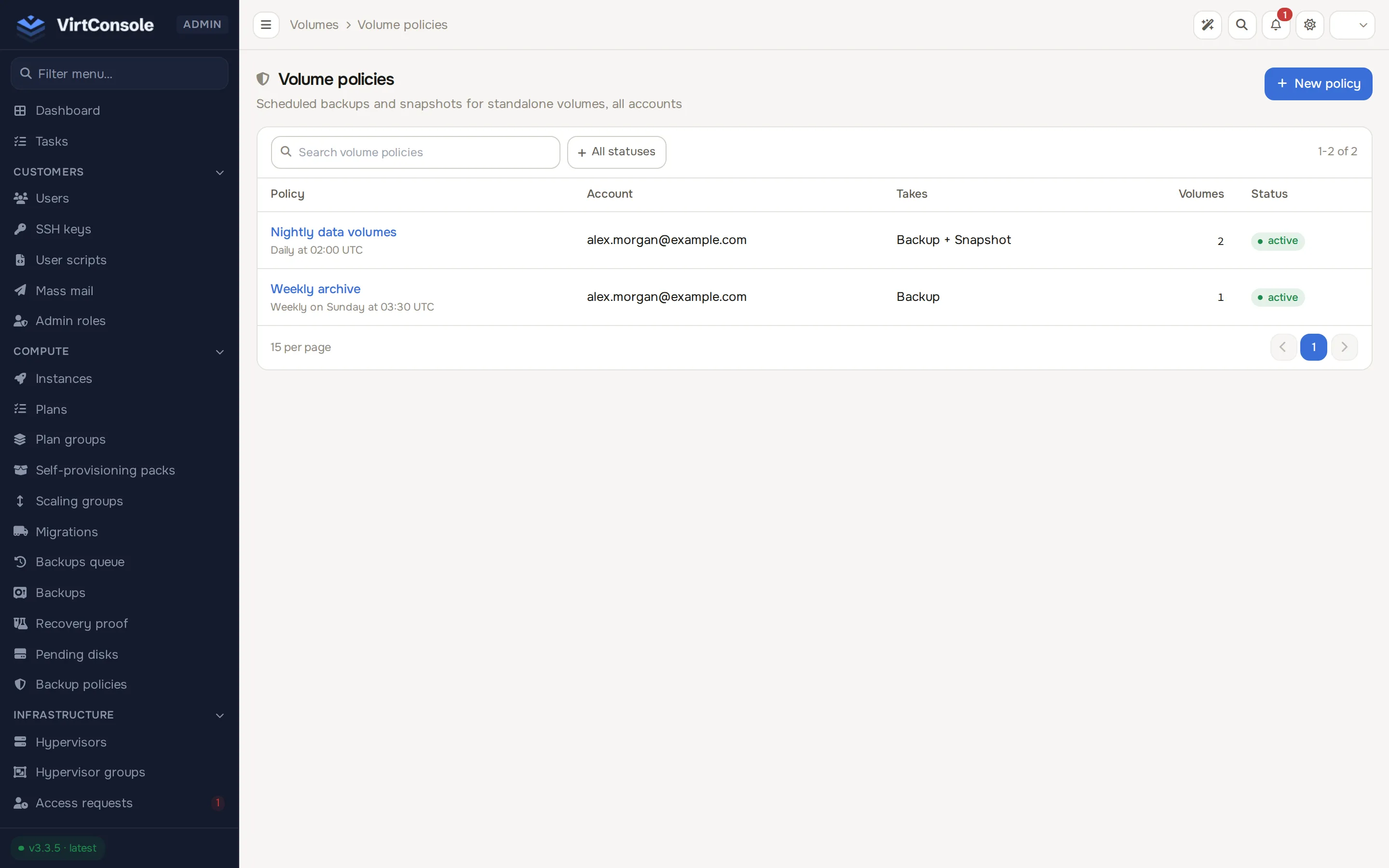
Click New policy and choose the owner (an account owner, not a team member), then fill in the same fields the customer sees: frequency, time, day, policy timezone (empty follows the account owner’s timezone), the Volume backup and Volume snapshot switches and retention. The detail page offers attach, detach, edit, delete and reset failures. A volume belonging to another account cannot be attached.
Admin API
Section titled “Admin API”GET and POST /api/v1/volume-policies, GET, PATCH, DELETE /api/v1/volume-policy/{id}, and POST attach, detach, reset-failures on the same path. A policy that does not exist answers 404 with reason: "not_found"; attaching a volume that already has a policy answers 409 with reason: "volume_already_protected".