

Volume protection policies
A volume protection policy takes backups, snapshots or both of your Block Storage volumes on a schedule, and removes the old ones it created. It uses the same snapshot and backup actions you run by hand, so every limit of those actions applies.
Before you begin
Section titled “Before you begin”- At least one volume in a location with block storage enabled.
- Volume backups go to the backup storage of the volume’s node. If that storage is not a local, S3 or rclone destination, backups cannot be taken; snapshots are not affected. Ask your provider if backups are refused.
- Volumes on Proxmox nodes cannot be attached to a policy.
- A volume attached to a running instance cannot be backed up or snapshotted, by hand or by a policy. Attach volumes whose instance is stopped at the scheduled time, or detach them first.
Where to find it
Section titled “Where to find it”Click Volume policies in the sidebar’s Services group.
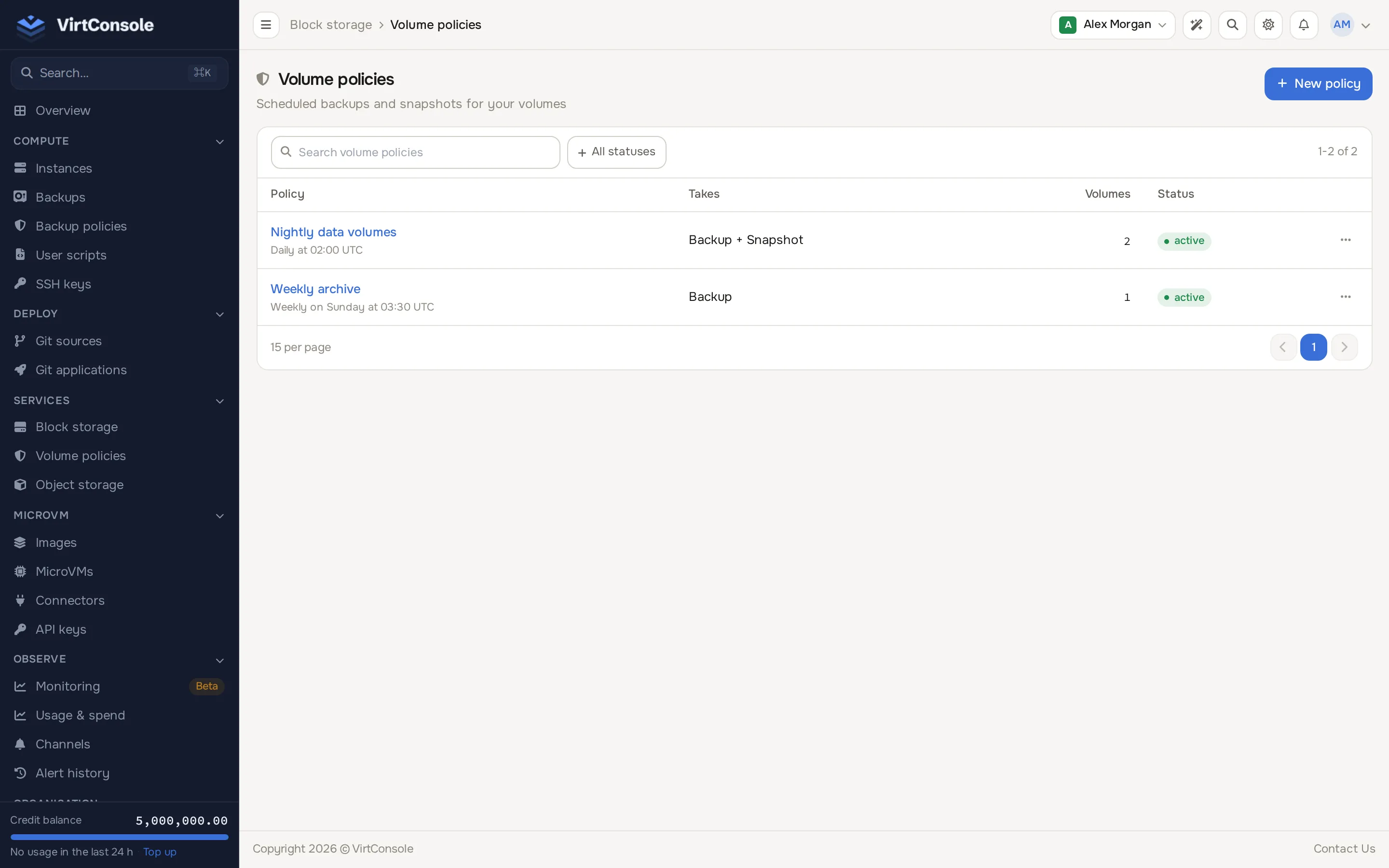
Create a policy
Section titled “Create a policy”- Click New policy.
- Fill in the form.
| Field | What to enter |
|---|---|
| Name | A label, for example Nightly data volumes. |
| Frequency | Daily or Weekly. |
| Time | The wall-clock time to run, for example 02:00. |
| Day of week | For a weekly policy. |
| Policy timezone | The timezone the time refers to. Use the account timezone follows your account timezone at each run. |
| Volume backup | Take an off-host backup on each run. |
| Volume snapshot | Take a snapshot on each run. |
| Retention type | Count or GFS. |
- Click Create policy.
At least one of Volume backup and Volume snapshot must be on.
Schedule and timezone
Section titled “Schedule and timezone”Runs follow the policy timezone, including daylight-saving changes. A time that occurs twice in a day runs once, and a time that is skipped runs just after the gap. Changing the time, day, frequency or timezone starts the schedule from now: a run time that has already passed never fires because you saved the policy.
Retention
Section titled “Retention”- Count: keep the newest N (1 to 365). The count applies separately to backups and to snapshots, per volume.
- GFS: keep an item when any rule selects it: the last N, the newest of each day, ISO week, month and year, and everything newer than a number of days. At least one rule must be above 0.
Only backups and snapshots the policy created are ever deleted. Manual ones and those of other policies are never touched. The plan limit for snapshots and backups per volume still applies: when it is reached, the policy removes its own oldest item to make room, and if the limit is filled by manual items the run is blocked and reports that the limit is reached.
Protect a volume
Section titled “Protect a volume”Open the policy, pick a volume in the Protect a volume selector and click Attach. Detach on a row removes it from the policy. A volume belongs to at most one policy. Detaching keeps every backup and snapshot already taken.
A volume attached to an instance that is running is neither backed up nor snapshotted; the run is recorded as blocked and retried on later checks, and counts as a failed scheduled time until it succeeds.
Runs and missed runs
Section titled “Runs and missed runs”Open a policy to see Protected volumes and Recent runs. Each run shows when it was scheduled for, the volume, the kind, the result, the attempts and the details.
The platform checks policies every five minutes. A run is for the latest scheduled time that has passed, so a check that could not run, or a volume that was busy, still runs that occurrence later. When the next scheduled time arrives first, the earlier one is recorded as missed.
A volume does one operation at a time and rests for five minutes between operations, so a policy with both backup and snapshot takes them on consecutive checks, and a volume that is busy or cooling down is retried automatically. Waiting is not counted as a failure.
A run the platform refuses for a lasting reason (for example the volume’s instance is running, or the backup destination is unsupported) is recorded as blocked and retried on later checks. A backup or snapshot the node reports as failed is retried up to three times for that scheduled time.
Pause after repeated failures
Section titled “Pause after repeated failures”After three consecutive failed scheduled times the policy pauses (status Error) and you receive an email. Fix the cause shown in the run details, then click Resume policy on the policy page. A paused policy schedules nothing.
Failed attempts leave a failed item on the volume. Delete it like any failed manual backup.
Edit and delete
Section titled “Edit and delete”Use Edit on the policy page to change any field. Deleting a policy detaches its volumes and keeps the backups and snapshots it created.
The user API has GET and POST /api/storage/volume-policies, and GET, PATCH, DELETE /api/storage/volume-policy/{id} with POST actions attach, detach and reset-failures. Viewing needs the team permission instances.view, changes instances.manage, delete instances.delete.